
01
Project Overview
I Grill is imported from Behance as a Figma design case study. The project is categorized under Figma designs so it can be browsed separately from websites and mobile/backend implementation work.
I Grill is a Figma UI/UX design case study imported from Behance, published December 12, 2025, with focus areas including Figma, UI Design, UX Design, Food.
Open project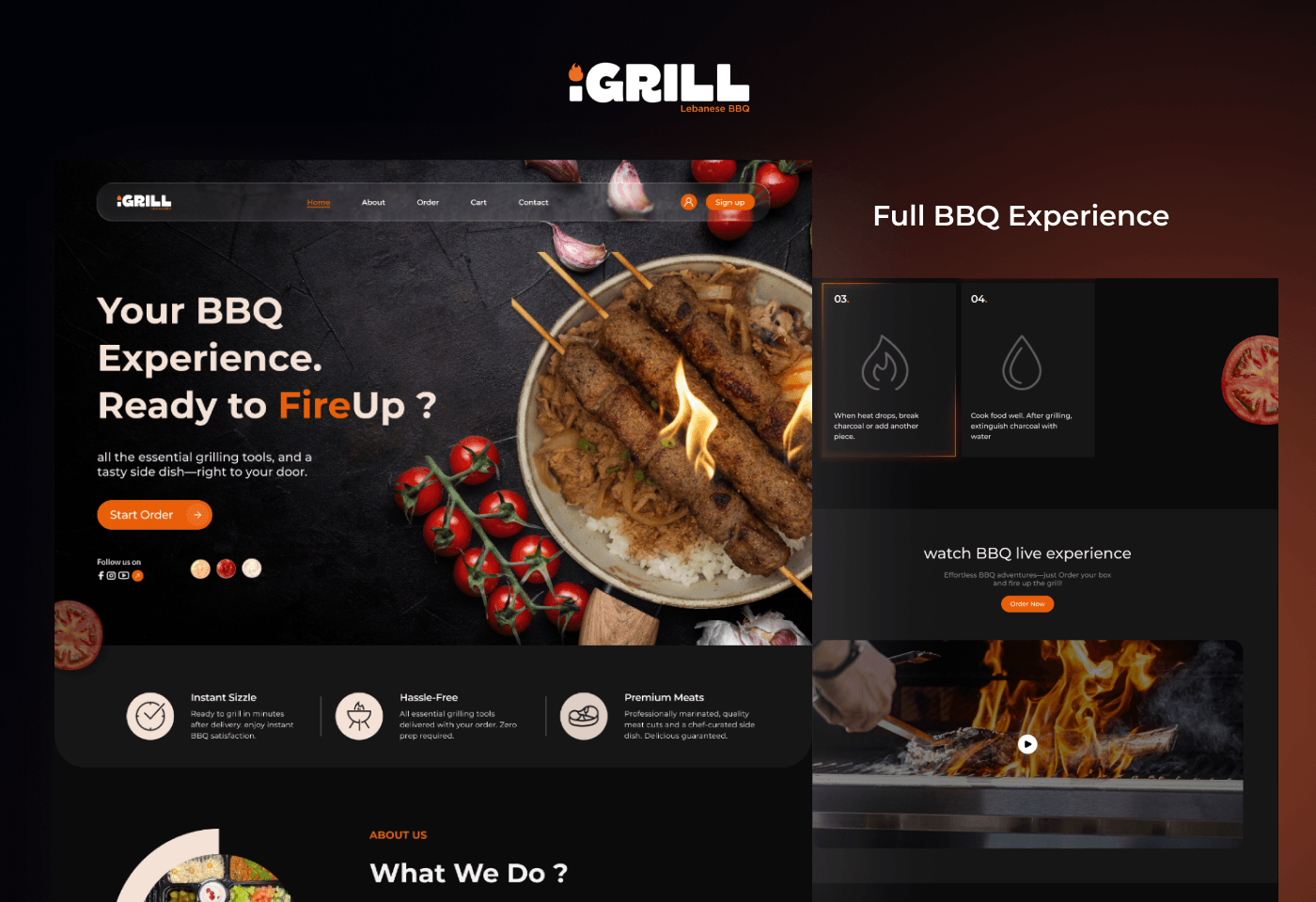
I Grill is imported from Behance as a Figma design case study. The project is categorized under Figma designs so it can be browsed separately from websites and mobile/backend implementation work.
The scraped project tags and tools identify the work around Figma, UI Design, UX Design, Food, grilling, cooking, figma design, UI/UX. These tags are preserved as capabilities on the detail page so visitors can quickly understand the product type, UI direction, and design craft involved.
10 Behance-hosted project images were downloaded into the local portfolio asset folder and attached to this case study. The detail page uses those local files for the hero preview and gallery instead of hotlinking remote Behance images.
Source: Behance. Published: December 12, 2025. Last updated: December 12, 2025. Profile stats at scrape time: 36 Behance views and 2 appreciations. Original project URL: https://www.behance.net/gallery/240342849/I-Grill.
The technical footprint stays visible without turning the case study into a sparse list.
I Grill is imported from Behance as a Figma design case study. The project is categorized under Figma designs so it can be browsed separately from websites and mobile/backend implementation work.
The scraped project tags and tools identify the work around Figma, UI Design, UX Design, Food, grilling, cooking, figma design, UI/UX. These tags are preserved as capabilities on the detail page so visitors can quickly understand the product type, UI direction, and design craft involved.
10 Behance-hosted project images were downloaded into the local portfolio asset folder and attached to this case study. The detail page uses those local files for the hero preview and gallery instead of hotlinking remote Behance images.